Menu

Availability: Low stock: 10 left
Couldn't load pickup availability


Battery Included: Yes
Brand Name: E-YOOSO
Certification: CE,FCC
Choice: yes
DPI: 2400
Gross Weight: 100
Hand Orientation: Right
High-concerned chemical: None
Interface Type: USB
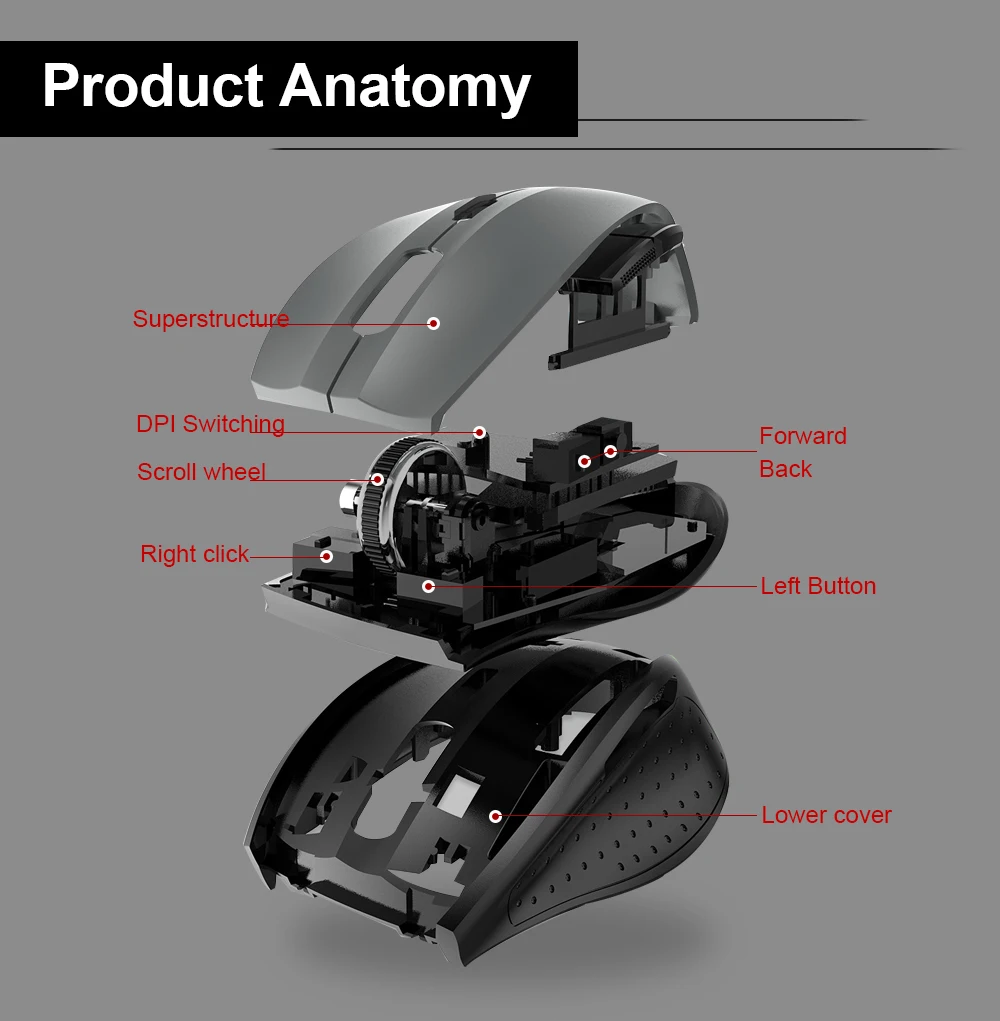
Number of Buttons: 5
Number of Rollers: 1 pcs
Operation Mode: Opto-electronic
Origin: Mainland China
Package: Yes
Power Type: Battery
Style: Mini,Finger
Time to market: Feb-14
Type: 2.4Ghz Wireless
Features
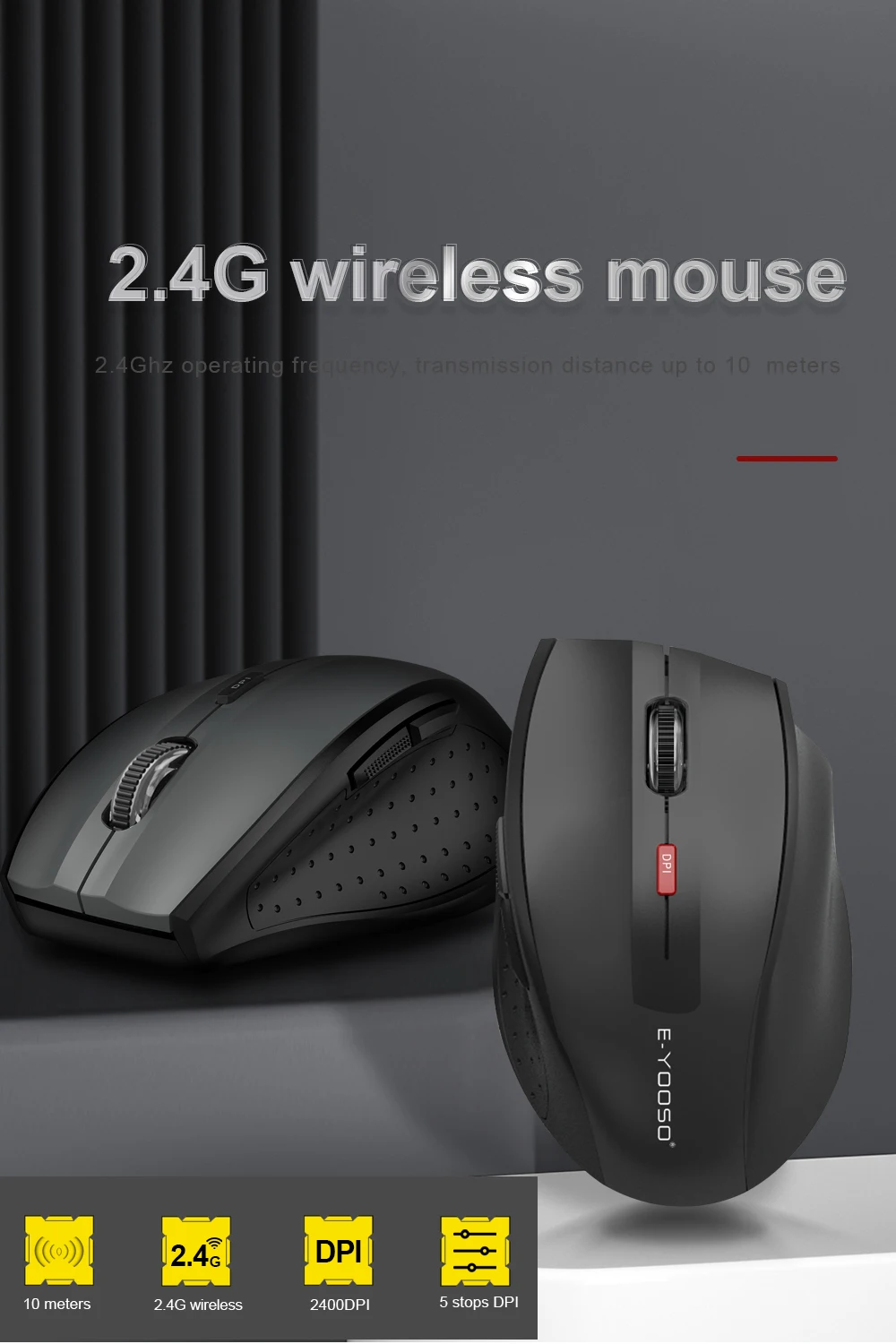
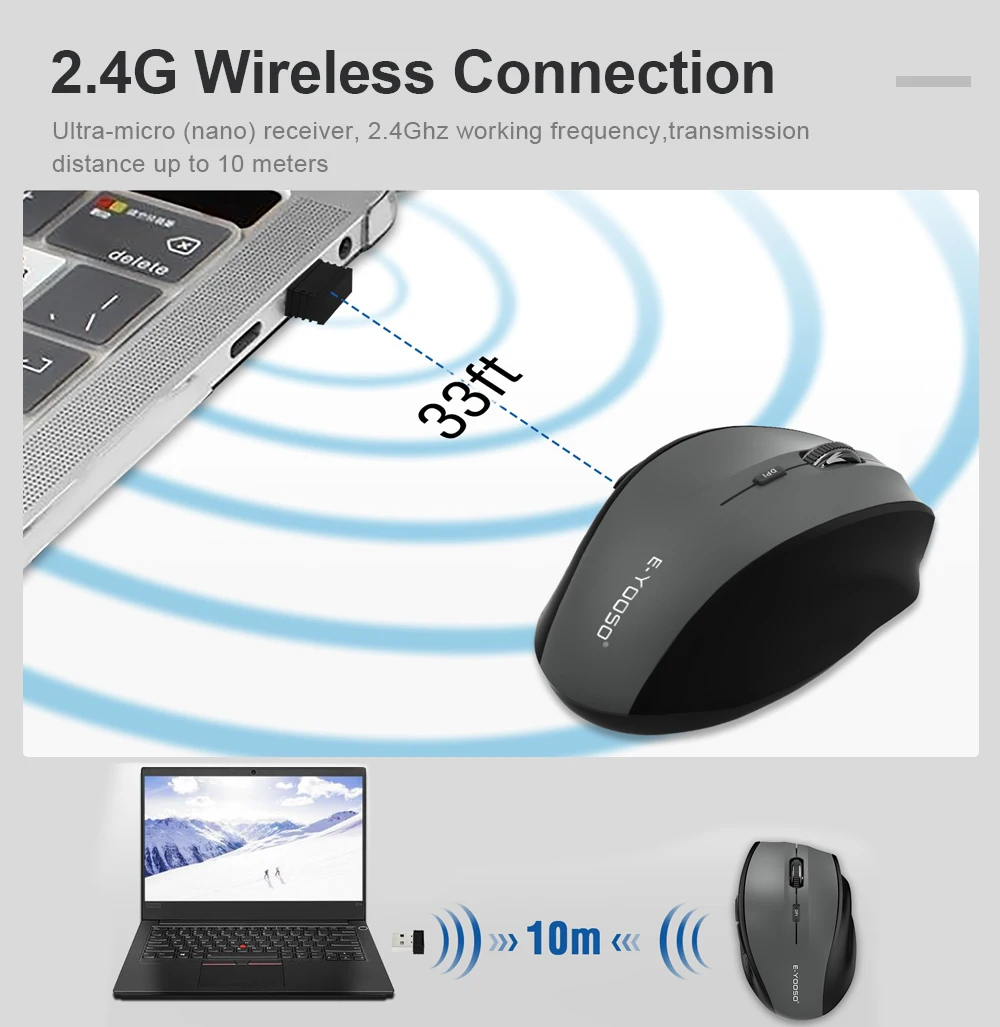
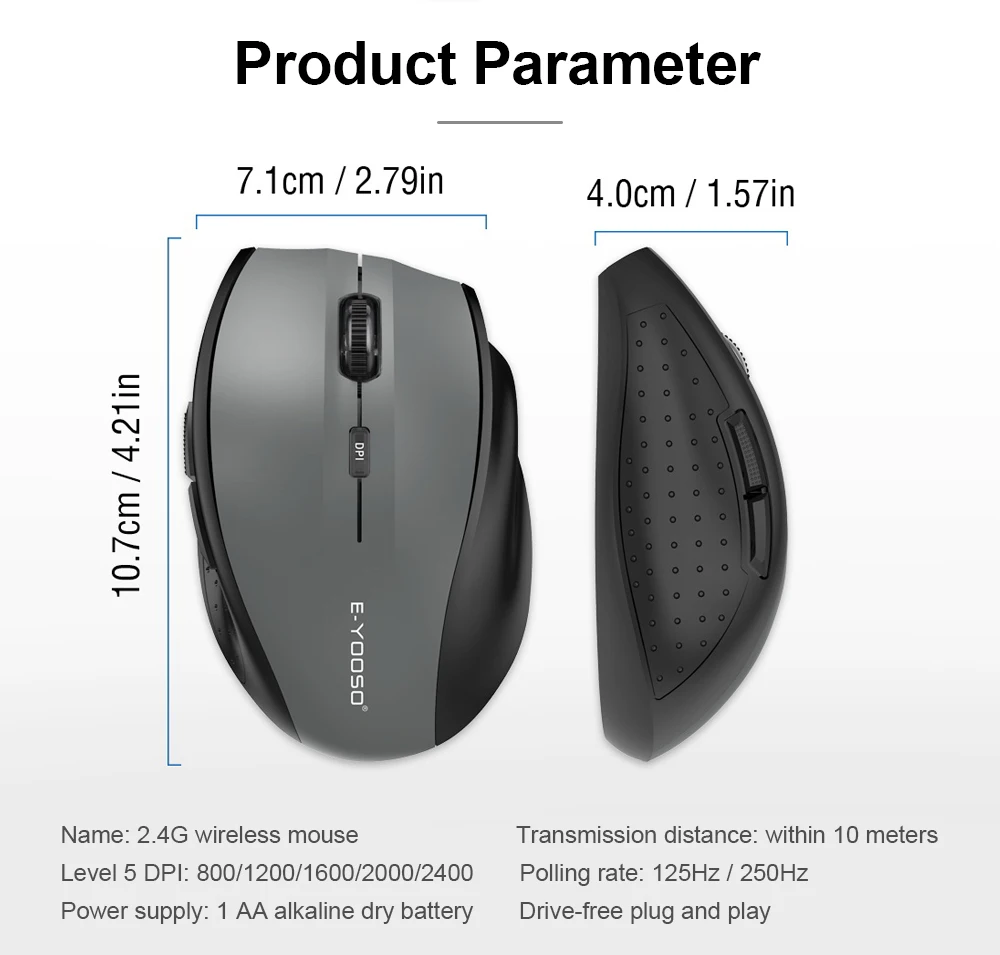
1. 2.4Ghz operating frequency, transmission distance up to 10 meters
2. Uses the original PAW3212 power-saving chip for low power consumption and stable cursor control.
3. Uses USB transmission technology, with a polling rate up to 250Hz, twice as fast as an ordinary mouse transmission rate, with zero lag and no frame skipping.
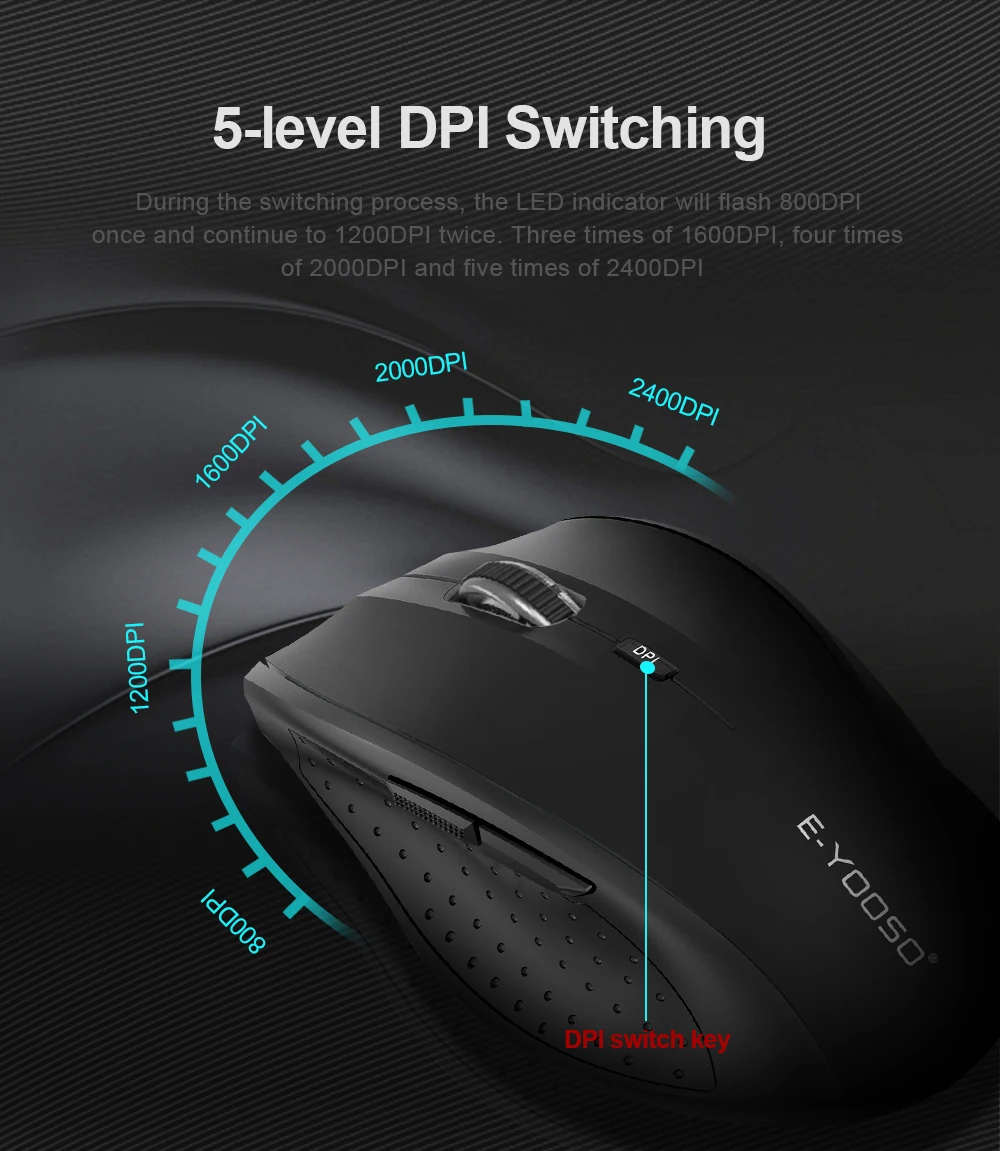
4. High resolution, 5-level DPI: 800/1200/1600/2000/2400, with DPI level indicator, default 1200DPI
5. Ultra-micro (Nano) receiver, plug and play
6. Compatibility Available for Windows, Linux and Mac
Product installation
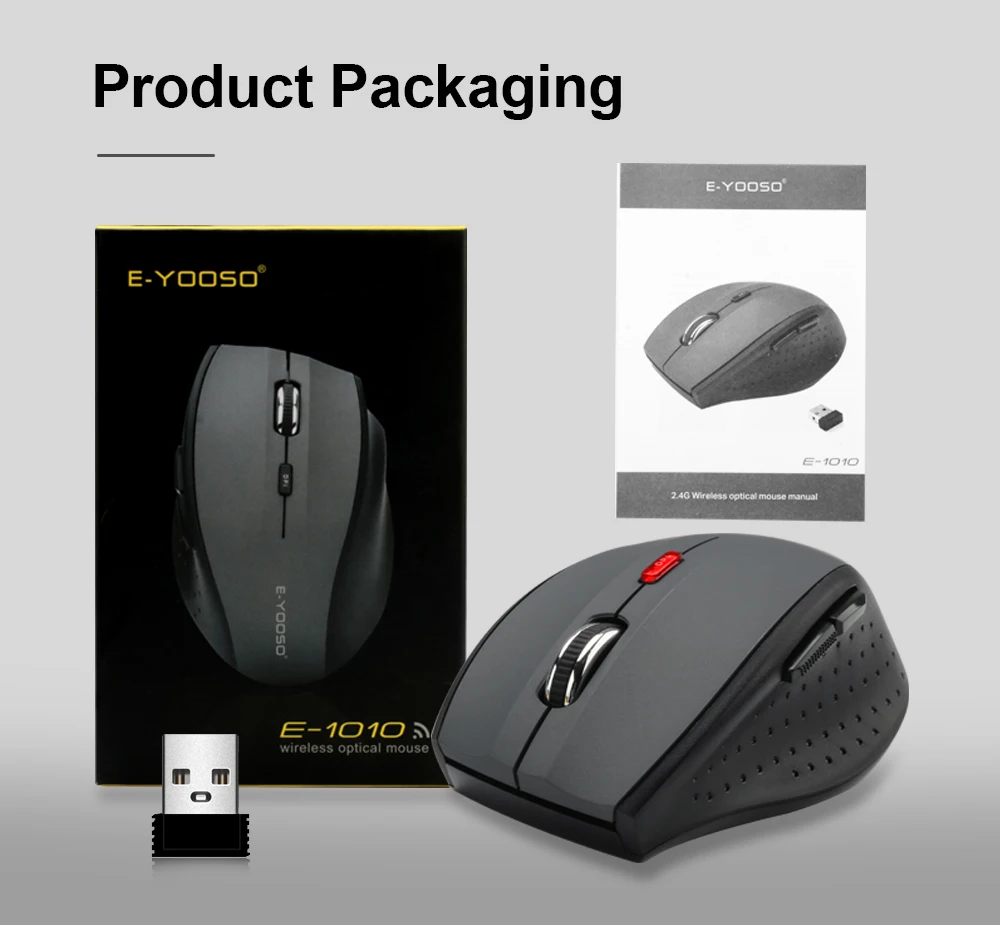
1. Take the wireless mouse and receiver out of the box.
2. Insert the ultra-micro (Nano) receiver into the USB port of the host device.
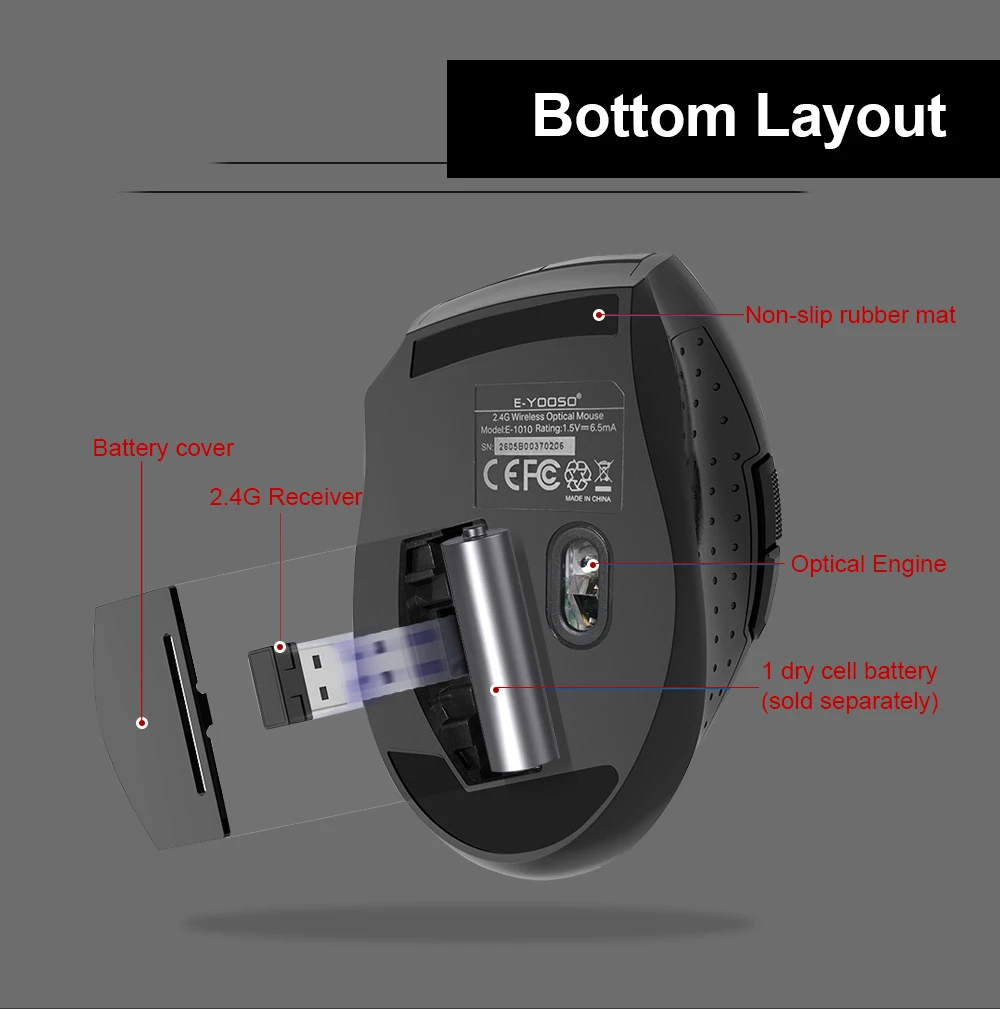
3. Insert 1 PCS AA alkaline dry battery into the mouse, observing the correct polarity.
4. After the DPI LED lights up, you can use the wireless mouse.
Advanced functions
1. DPI adjustment function 5 DPI levels: 800/1200/1600/2000/2400. Default: 1200DPI. If you want to switch between different speeds, press the DPI button to cycle through the five levels until you find the one you prefer. During switching, the LED indicator will flash once for 800DPI, twice for 1200DPI, three times for 1600DPI, four times for 2000DPI, and five times for 2400DPI.
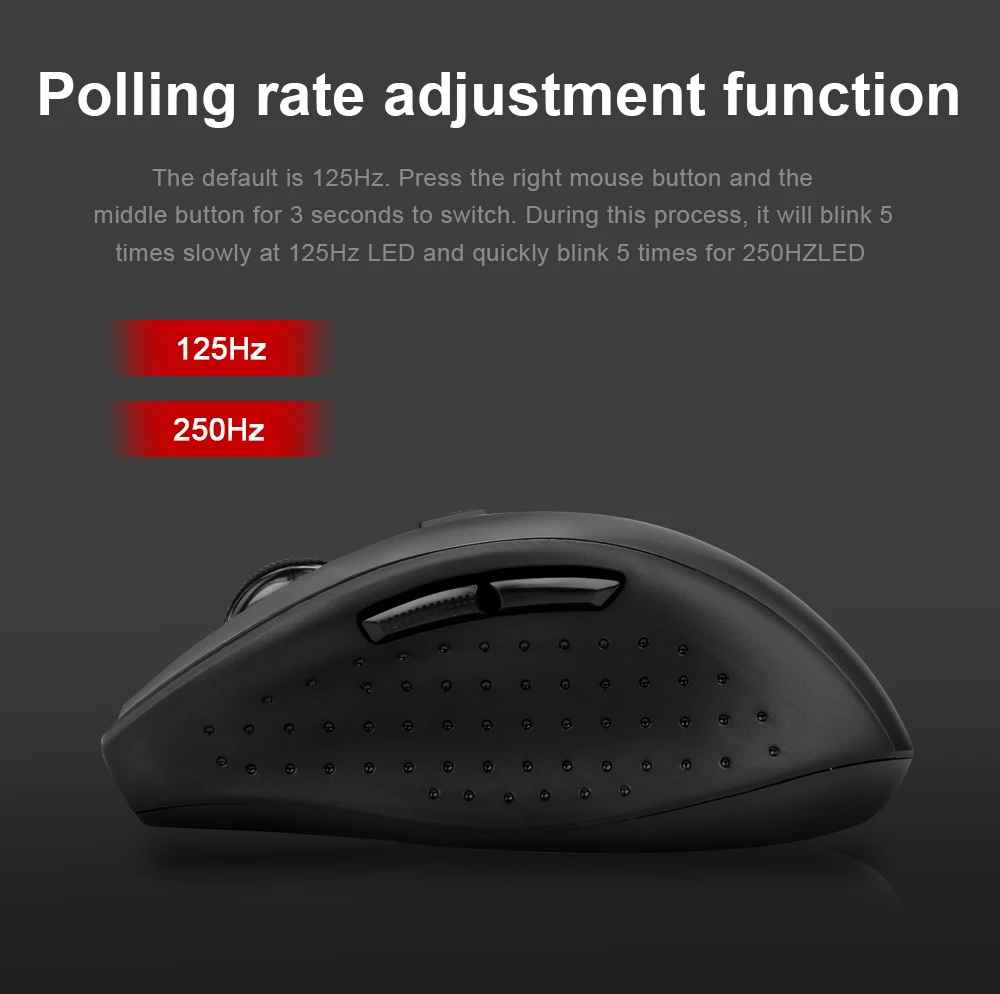
2. Polling rate adjustment function The mouse supports polling rates of 125Hz/250Hz, with 125Hz as the default. Press the right button and middle button for 3 seconds to switch. During the process, the 125Hz LED will flash slowly 5 times, and the 250Hz LED will flash quickly 5 times.
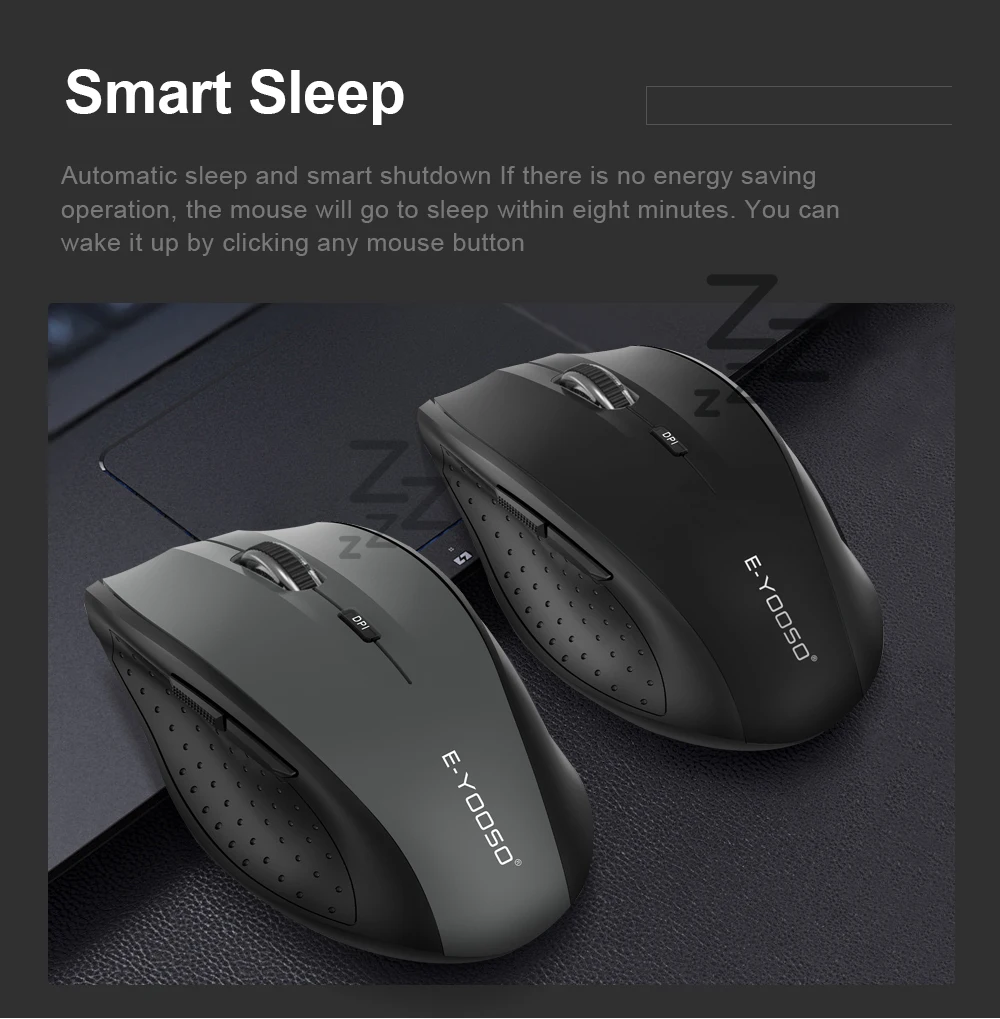
3. Auto Sleep and Smart Shutdown The mouse enters sleep mode after eight minutes of inactivity to save energy. You can wake it by clicking any mouse button. It can also enter this mode when you press a button or move the mouse after turning off the computer or unplugging the receiver. Friendly Tips: please remove the battery when the mouse is not used for a long time to prevent corrosion of internal parts. Backward button Forward button
4. Receiver storage function This mouse uses an ultra-micro (Nano) receiver, which can remain plugged into the USB port of a PC or notebook long-term without affecting the computer. If you want to carry the mouse on its own or store it away, the receiver can be placed inside the mouse for safekeeping. Easy to carry and helps prevent loss.